Issue keys for customers or team members.
Reply management for X teams
Track account activity, review replies, publish from the right account.
A secure workspace for monitored accounts, keyword activity, owned-post comments, approvals, and license-controlled team access.

Monitoring
Accounts and keywords stay separated.
When a user tracks an account like @ProductHunt or adds a keyword, the dashboard groups incoming tweets by source. Team members can review each item, confirm the source, and choose the right reply action.
Tracked account streams
Keyword activity groups
Owned-post comment queues
Manual and scheduled reply modes
Workflow
Review, approve, publish, record.
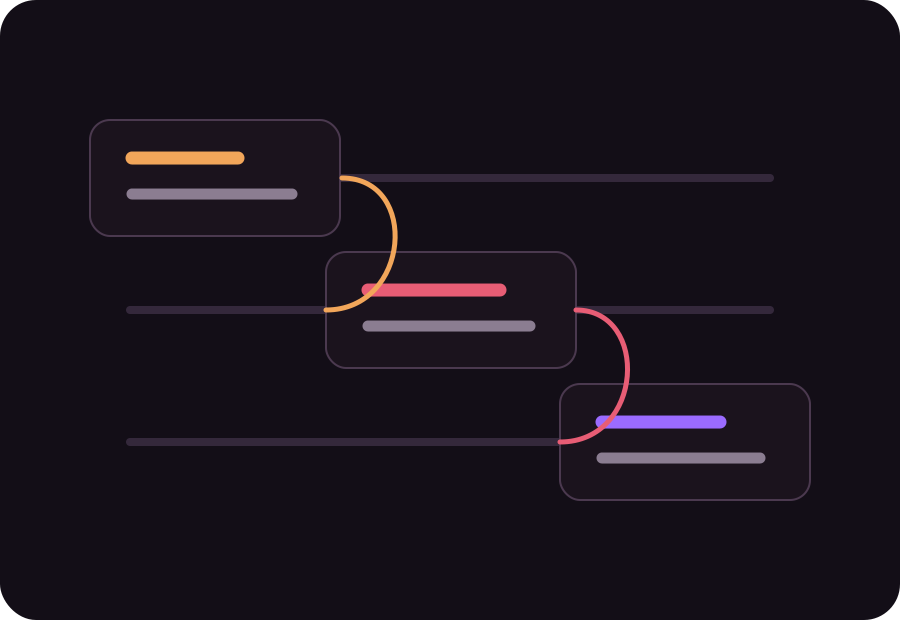
Each tweet can be handled manually or through a saved reply rule. The final comment is posted to the real tweet on X by the selected connected account, then stored with its public reply URL.
- Tweet enters the correct account or keyword group.
- A private reply is prepared for review.
- The team member edits, approves, pauses, or dismisses.
- The selected X account publishes the real reply.
License access
Admins decide who gets in.
Users sign in with license keys created by the admin. Keys can be paused, banned, revoked, or reissued without touching the user’s X accounts.
Temporarily stop access without deletion.
Block abusive or unpaid accounts.
Replace a leaked key safely.